A simpler way to handle images in your app
Resize, crop, and optimize images using clean, predictable URLs. If you can read a URL, you can use FireImg.
Try it nowNo SDK required
Everything is just a URL
Transformations live in the query string after the filename—change params, change the output.
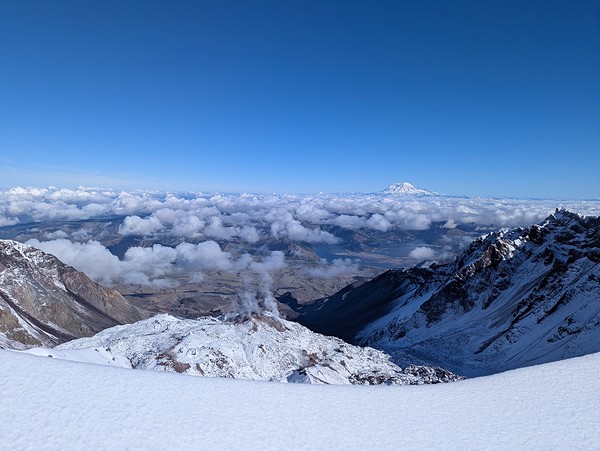
                https://img.fireimg.com/demo/images/mountain.jpg?
                width=300
                https://img.fireimg.com/demo/images/mountain.jpg?
                width=800
                https://img.fireimg.com/demo/images/mountain.jpg?
                width=300&height=200&fit=cover
Compose transformations naturally
Compose parameters with ampersands. Order is easy to read left to right.
width=600
width=600&height=400
width=600&height=400&fit=cover
width=600&height=400&fit=cover&position=center
quality=80&format=webp
Built for developers
- No SDK required — just use image URLs
- Works in any language or framework
- Easy to debug and reason about
- Fully composable transformations
- Cache-friendly by design
Drop it into your code
<img src="https://img.fireimg.com/demo/images/mountain.jpg?width=600" />Output